In 2026, Shadcn UI is the undisputed king of React component libraries. By giving developers direct access to the source code rather than hiding it behind an npm package, it has fundamentally changed how we build modern web applications. However, this immense power comes with a significant developer experience (DX) hurdle: Theming. Manually managing global CSS variables, converting HEX codes to HSL format, and extending the tailwind.config.ts file is a tedious, error-prone process. Our Shadcn UI Visual Theme Generator completely eliminates this friction. It provides a real-time, visual sandbox where you can engineer your perfect color palette, adjust your border radius, and instantly export production-ready configuration code.
The Hex to HSL Nightmare
Most brand style guides provide colors in standard HEX formats (e.g., #0f172a). However, Shadcn UI relies exclusively on HSL (Hue, Saturation, Lightness) values for its CSS variables. Why? Because HSL allows Tailwind CSS to easily manipulate the opacity of colors using the /opacity syntax (e.g., bg-primary/50).
Converting a complete brand palette from HEX to HSL manually is a massive waste of time. If you calculate the saturation incorrectly, your "muted" or "accent" components will look entirely out of place. Our client-side generator handles this complex mathematical conversion instantly in your browser. You simply input your brand's primary and background colors, and our algorithm calculates the precise HSL values for your foreground, muted, accent, and destructive states automatically.
Embracing the "Flat Minimalist" Aesthetic
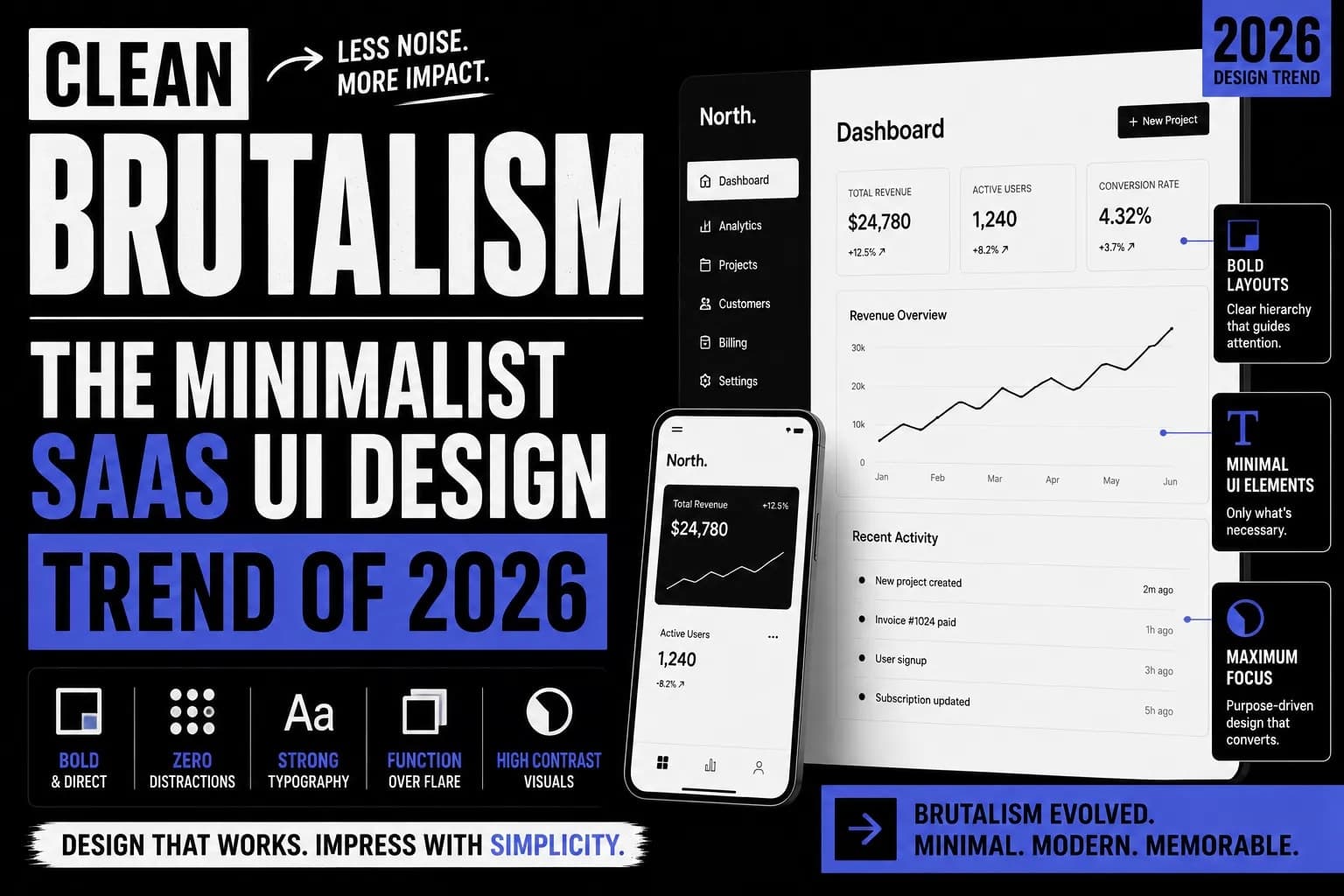
Web design trends are cyclical. We have moved past the era of heavy drop shadows and glassmorphism. Today, top-tier SaaS companies are embracing a design philosophy known as Clean Brutalism or Flat Minimalism. This aesthetic is defined by two strict rules: absolutely zero drop shadows, and crisp 1px solid borders.
The 1px Border Rule
By stripping away shadows, you force the UI to rely purely on typography, spacing, and high-contrast borders for visual hierarchy. Our generator is specifically opinionated to enforce this modern standard. When you preview your theme, you will notice that every card, button, and input relies strictly on Tailwind's border and border-border classes without a single shadow utility in sight.
If you are currently migrating an older project to this new flat aesthetic, you might be struggling with legacy CSS files filled with box-shadow properties. We highly recommend running your old stylesheets through our CSS to Tailwind Converter to rapidly strip out those outdated properties and modernize your codebase.
How to Use the Visual Generator
We engineered this tool to save you hours of trial and error. Here is the optimal workflow for generating your enterprise Next.js theme:
- Step 1: Set the Foundation. Use the intuitive color pickers to select your exact Primary and Background colors. Watch as the mathematical algorithm instantly generates the complementary HSL variables for the rest of your UI.
- Step 2: Define the Radius. Are you building a serious B2B fintech dashboard (0rem radius) or a friendly consumer-facing app (1rem radius)? Adjust the global border-radius slider and watch the mock dashboard react in milliseconds.
- Step 3: Real-Time Verification. Don't guess what your theme will look like. Inspect the live mock dashboard on the right. It features actual Shadcn components (Badges, Inputs, Buttons, and Cards) so you can verify the visual hierarchy before touching your code.
- Step 4: One-Click Export. Once your theme is perfect, scroll down to the export section. Click to copy your exact
globals.cssvariable block and yourtailwind.config.tstheme extension. Paste them directly into your Next.js project, and you are done.
Zero-Latency Client-Side Architecture
As an Associate Full Stack Developer, you understand the importance of speed and security. Why should you have to send a server request just to calculate a color palette? The answer is: you shouldn't.
Just like our heavy-duty JSON to TypeScript Formatter, this entire theme generator is built on a 100% client-side architecture. The React state, the color conversion algorithms, and the UI rendering happen entirely within your local browser's memory. It is blazingly fast, requires zero API calls, and guarantees complete privacy for your proprietary brand guidelines.
Frequently Asked Questions (FAQs)
Why isn't my Tailwind Config updating the Shadcn components?
A common mistake is copying the CSS variables but forgetting to extend the Tailwind configuration. Shadcn components use custom utility classes like bg-primary and text-primary-foreground. You must ensure that both the globals.css and the tailwind.config.ts files are updated from the generator for the theme to apply correctly.
Can I add custom fonts to this theme?
Yes! While this generator handles your color and radius variables, you can easily integrate custom typography. We recommend using Next.js next/font/google. If you are looking for unique, aesthetic text for your marketing copy, you can also run your text through our Fancy Font Generator.
Does this support Dark Mode?
Absolutely. The generator produces a complete set of variables for the standard :root (Light mode) and the .dark class (Dark mode). By copying the generated code, your Next.js application will fully support next-themes system preference switching out of the box.
Stop Guessing Your UI
The visual presentation of your software is the first thing users judge. Stop wasting hours manually tweaking HSL variables and reloading your local server to see the changes. Use the Shadcn UI Visual Theme Generator to build a cohesive, modern, and perfectly flat aesthetic in seconds. Engineer your palette, copy the code, and get back to building the features that actually matter to your business.