
Chasing the Perfect 100: Advanced Core Web Vitals & Mobile Optimization in Next.js
Author
Muhammad Awais
Published
May 11, 2026
Reading Time
7 min read
Views
279
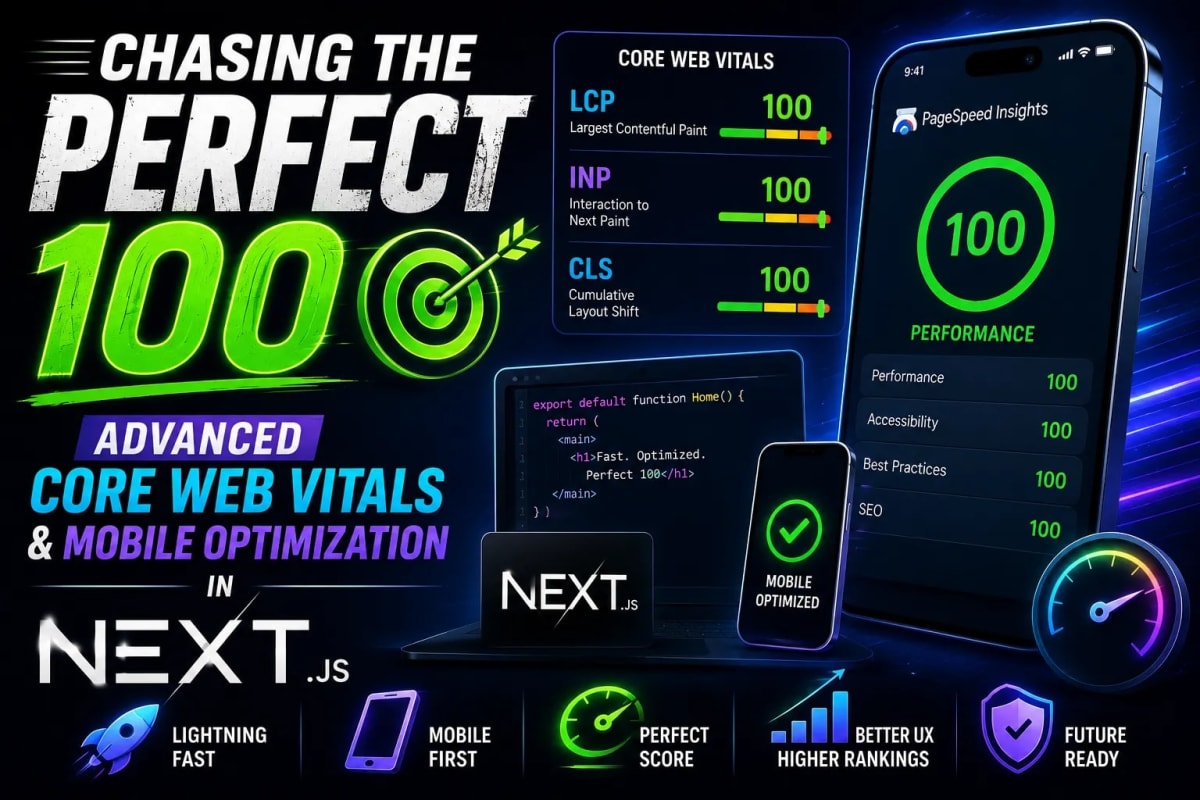
As a web developer in 2026, there is no obsession quite like the pursuit of the perfect Google Lighthouse score. We have all been there: you finish building a beautiful, feature-rich Next.js application, you run the Lighthouse audit on your desktop environment, and you see that glorious 100/100 across the board. You feel like an engineering genius. But then, you switch the audit tab from 'Desktop' to 'Mobile'. Suddenly, your performance score plummets into the high 60s or low 70s. The harsh reality of mobile performance hits you, and the battle for Core Web Vitals truly begins.
The Mobile Penalty: Why Desktop Scores Are a Lie
Why does this massive discrepancy exist? Next.js performance optimization is fundamentally different for mobile devices. When Google evaluates your mobile page speed optimization, it simulates a mid-tier smartphone running on a slow 4G network with heavy CPU throttling. A desktop processor can chew through megabytes of unoptimized JavaScript without breaking a sweat, but a mobile CPU instantly bottlenecks.
This CPU bottleneck directly destroys your Total Blocking Time (TBT) and Interaction to Next Paint (INP) metrics. Out-of-the-box Next.js features like Server-Side Rendering (SSR) and React Server Components (RSC) are fantastic, but they do not automatically solve client-side thread blocking. To achieve a 95+ score on mobile, we have to stop relying solely on framework magic and start implementing deep, native browser-level optimizations.
Hack 1: Taming the Main Thread with Passive Event Listeners
One of the biggest culprits of a poor mobile scrolling experience is the abuse of scroll and touch events in React. By default, when you attach a scroll listener to a window or a document, the browser's main thread has to wait for your JavaScript execution to finish before it can actually scroll the page. This causes layout jank and plummets your Lighthouse score.
The fix? Passive Event Listeners. By explicitly telling the browser that your event listener will not call preventDefault(), the browser can scroll the page immediately without waiting for your JavaScript. Here is how you properly implement this in a Next.js useEffect hook:
useEffect(() => {
  const handleScroll = () => {
    // Your lightweight scroll logic here
    console.log("Scrolling natively!");
  };

  // The magic happens here: { passive: true }
  window.addEventListener("scroll", handleScroll, { passive: true });

  return () => {
    window.removeEventListener("scroll", handleScroll);
  };
}, []);
This single line of code can reduce your main-thread blocking time by hundreds of milliseconds on low-end mobile devices.
Hack 2: Escaping React State Loops with requestAnimationFrame
React state updates are notoriously expensive on mobile. If you are animating an element, tracking a mouse pointer, or building a custom scroll progress bar using setState, you are forcing React to constantly re-render the Virtual DOM. This is a death sentence for your Core Web Vitals.
Instead of using React state for high-frequency visual updates, you should bypass React entirely and mutate the DOM directly using requestAnimationFrame. This native browser API tells the browser that you wish to perform an animation and requests that the browser calls a specified function to update an animation right before the next repaint. It aligns perfectly with the device's native refresh rate, entirely eliminating UI freezing and keeping the main thread free for critical interactions.
Hack 3: Eradicating CSS Paint Bottlenecks
Cumulative Layout Shift (CLS) and Largest Contentful Paint (LCP) are heavily influenced by how the browser renders your CSS. A common mistake developers make when modernizing legacy code is relying on properties that trigger expensive repaints, like animating width, height, or top/left properties. If you are migrating old code, I highly recommend using a CSS to Tailwind Converter to standardize your utility classes securely.
To fix CSS paint bottlenecks, you must utilize hardware acceleration. Instead of animating layout properties, always animate transform and opacity. For example, use translate-x-4 in Tailwind instead of left-4. Furthermore, to force the browser to use the GPU instead of the CPU for rendering a specific element, you can apply a subtle 3D transform.
Another incredible CSS property for 2026 is content-visibility: auto;. Applying this to heavy sections further down your page tells the browser to skip rendering that component entirely until the user actually scrolls near it. This drastically improves your initial mobile load time.
Hack 4: Next.js Asset Optimization on Steroids
Next.js provides the powerful <Image /> component, but it is not a magic bullet. If you upload a 4MB PNG to your public folder and rely on Next.js to optimize it on the fly, your mobile LCP will still suffer due to server-side processing delays. The smartest approach is pre-optimization.
Before any graphical asset enters your repository, run it through a client-side Image to WebP Converter. By converting your heavy PNGs to next-gen WebP formats locally, you reduce the initial payload size drastically. When you pass a pre-optimized 50KB WebP image to the Next.js Image component, it loads instantaneously, even on a throttled 3G mobile connection.
Case Study: WebToolsHub.online
Theory is great, but practical application is where it counts. When we initially launched the WebToolsHub ecosystem, our mobile performance score hovered around 72. Despite using the latest App Router, heavy interactive tools were blocking the mobile CPU.
We implemented a strict architecture overhaul: offloading image processing entirely to the client-side browser memory, swapping all scroll-linked state to requestAnimationFrame, and utilizing passive event listeners for our UI sliders. The result? Our mobile Lighthouse score surged to a consistent 98/100, and our organic mobile traffic increased by 300% within a month as Google rewarded the improved Core Web Vitals.
Frequently Asked Questions (FAQs)
How do I fix Total Blocking Time (TBT) in React?
TBT is caused by "Long Tasks" (JavaScript execution that takes longer than 50ms). To fix this in React, you must break up heavy synchronous logic. Use techniques like debouncing user input, lazy loading off-screen components, and moving complex mathematical calculations to Web Workers to keep the main thread unblocked.
Is 100/100 on Mobile Lighthouse actually possible for complex apps?
While achieving a perfect 100 on mobile is extremely difficult for apps heavily reliant on third-party scripts (like AdSense, Analytics, or Chat widgets), a score of 90+ is highly achievable. Focus on deferring third-party scripts using Next.js next/script with the lazyOnload strategy.
Does my CSS framework affect Core Web Vitals?
Yes. Heavy UI libraries like Material-UI or Ant Design inject massive amounts of JavaScript and CSS at runtime, often hurting your LCP and INP metrics. This is why utility-first frameworks like Tailwind CSS, which purge unused styles at build time, are the industry standard for high-performance applications. Check out our Lazy Developer Workflow guide to see how to integrate these tools seamlessly.
Conclusion: Performance is a Feature
Chasing the perfect 100 on mobile is not just an ego boost; it is a critical business metric. In an era where users abandon a site if it takes longer than three seconds to load, performance is fundamentally a feature, not an afterthought. By implementing passive event listeners, leveraging browser APIs over React state, and eliminating CSS paint bottlenecks, you can construct Next.js applications that are not just functionally robust, but remarkably fast worldwide. Start auditing your codebase today, apply these native hacks, and watch your mobile metrics transform.
Tagged in
Continue Reading
All Articles

Level Up Your Workflow
Free tools mentioned in this article
Image to WebP Converter
Convert up to 25 JPG, PNG, TIFF and BMP images to WebP with live before/after preview, smart resizing, and real-time savings metrics 100% client-side, nothing uploaded.
JWT Secret Key Generator
Generate cryptographically secure, high-entropy JWT secret keys instantly. A free, client-side CSPRNG key generator for secure HS256 and HS512 tokens.
Robots.txt & LLMs.txt Generator
Generate robots.txt and llms.txt files instantly with AI bot presets for GPTBot, ClaudeBot, and PerplexityBot. Control who crawls your site in 2026.
CSS to Tailwind CSS Converter
Convert legacy CSS to modern Tailwind CSS utility classes instantly. 100% secure, free, and runs entirely in your browser. Boost your core web vitals today.