Why Bulk WebP Conversion Changes Your Entire Workflow
Most online image converters work on one file at a time. You upload, you wait, you download, you repeat. For a blog post with 5 images that's mildly annoying. For an e-commerce store with 200 product photos, it's completely unusable.
I got tired of this exact problem while optimizing a client's Next.js store last year 180 product images, each needing conversion and resizing. No tool handled the whole batch cleanly without either crashing the tab or requiring a server upload. So I built one that does.
This tool works differently. You drop an entire batch mixed formats, mixed orientations, mixed sizes and it processes everything sequentially in the background without freezing your browser. While it's running, you can still use other tabs, check your dimensions in real time, and watch the cumulative savings counter climb. When the queue finishes, you get a summary card showing exactly how much space you saved across the entire batch, then download everything as a single date-stamped ZIP.
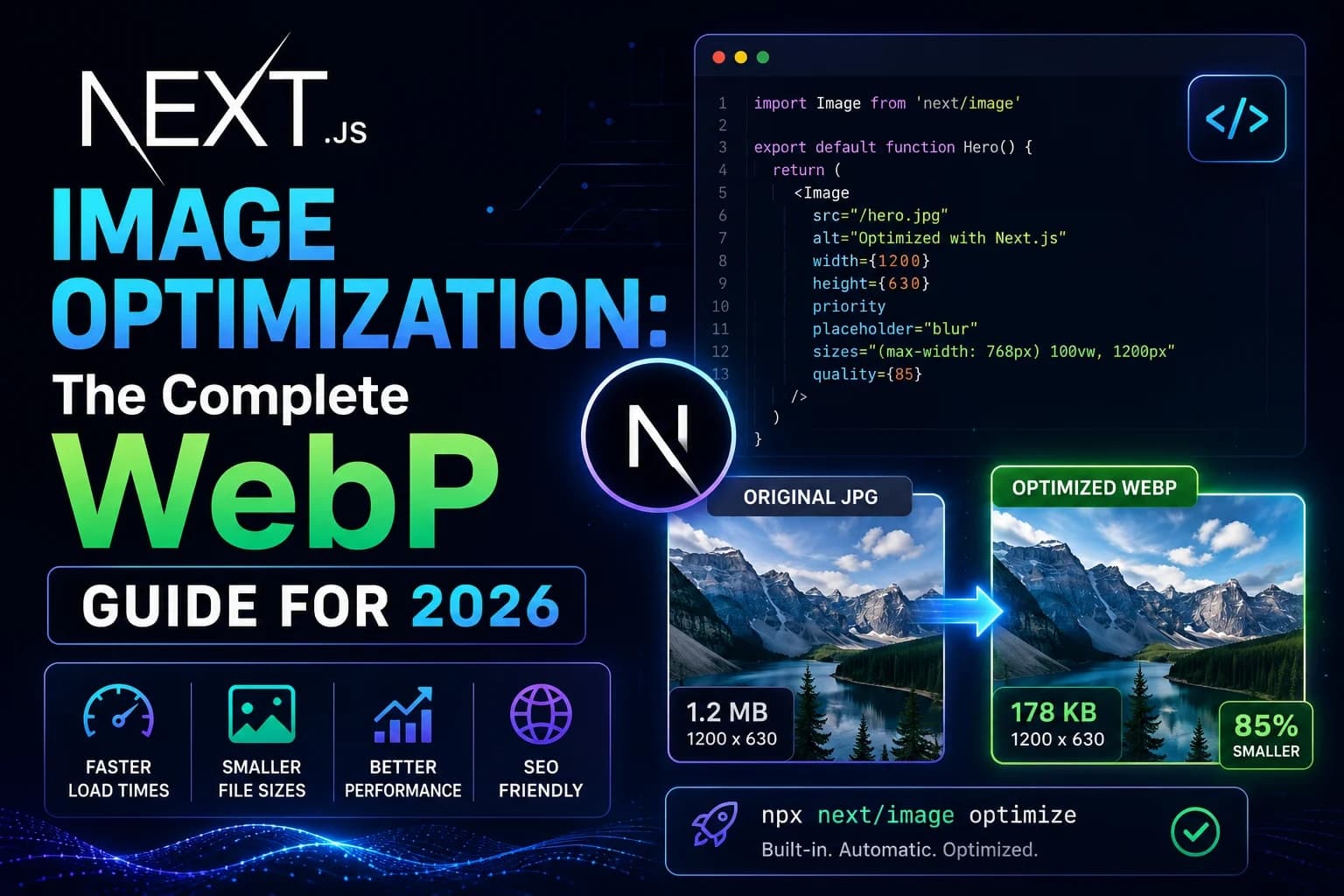
For a site with 50 product images averaging 900KB each, converting to WebP at 80% quality typically brings that down to around 130KB per image a batch saving of roughly 38MB. That kind of payload reduction has a direct, measurable impact on your Largest Contentful Paint score and, by extension, your Google ranking.
How to Convert Images to WebP in Bulk
Drop your files anywhere on the page: Drag images onto the upload zone, click to browse, or just press
Ctrl+Vto paste directly from your clipboard. The tool also accepts window-level drops drag files from your file explorer onto the browser window itself and the upload zone activates automatically. JPG, PNG, TIFF, BMP, and GIF are all supported.Set your quality and resize options: Choose from three quality presets Web Fast (75%), Balanced (85%), or High Quality (95%) or drag the slider to a custom value. If you need to resize the output, enter your target dimensions. The tool locks the aspect ratio automatically so nothing gets stretched or cropped.
Start conversion: Click Convert or press
Ctrl+Enterto trigger the whole queue at once. Files convert sequentially without blocking the browser's main thread no freezing even at the maximum 25 images, 150MB batch limit.Inspect the before/after: Click any completed row to open the fullscreen split comparison viewer. Drag the slider handle to compare the original and the WebP side by side. Works with touch on mobile too.
Download your files: Download individual files or grab the entire batch as a ZIP archive named with today's date
webtoolshub-webp-2026-05-25.zip. Output files use an-optimized.webpsuffix so they don't overwrite your originals.
Key Features
Sequential batch processing: The conversion queue runs file by file in the background using non-blocking JavaScript. Each image can be up to 50MB, with a 150MB total batch limit enough for 25 high-resolution product photos or design exports. None of it causes your browser tab to hang or crash. You can keep working while it runs.
100% client-side - your files never leave your device: Every conversion happens locally using the HTML5 Canvas API. There's no server involved, no upload wait time. Each file can be up to 50MB with a 150MB total batch limit. Your images confidential client assets, unreleased products, proprietary designs stay on your machine.
Smart proportional resizing: Enter a target width or height and the tool scales the output while preserving the exact aspect ratio. Upscaling is blocked automatically if your image is already smaller than the target dimensions, it outputs at the original size rather than introducing pixelation.
Dimension presets: HD (1280×720), Full HD (1920×1080), Square (800×800), and Thumbnail (400×300) presets let you standardize output sizes across a batch in one click. Mixed-orientation batches landscape photos alongside portrait shots each scale independently to their own correct dimensions.
Live before/after split viewer: Full-screen comparison with a draggable slider. Drag left to see the original, drag right to see the WebP. Responds to both mouse drag on desktop and touch swipe on mobile.
TIFF and BMP support with safe preview fallback: TIFF and BMP files don't render natively in most browsers, so the tool uses a canvas-based visual data cache to parse and display them correctly before conversion.
Cumulative savings tracker: Every conversion session adds to a running total. The target metrics panel shows something like "You've saved 24.5 MB today" a simple but surprisingly motivating way to see the compound effect of consistent optimization. You can reset the counter any time.
Settings persistence: Quality slider position, preset selection, and resize limits persist between sessions via
localStorage. Incognito mode is handled gracefully the tool detects the storage restriction and falls back silently rather than throwing errors.PNG clipboard copy: Completed images can be copied directly to your clipboard as PNG format useful for pasting into Gmail, Slack, Discord, or Figma, since those apps don't accept WebP clipboard data natively.
Keyboard shortcuts:
Ctrl+Enterstarts the full queue.Escapeduring an active conversion opens a cancellation dialog that preserves any files already converted in the batch.
When Should You Use Bulk WebP Conversion?
The obvious use case is optimizing a large batch of images before a deployment or CMS upload. But there are a few specific scenarios where this tool really earns its place in the workflow.
E-commerce product photography: A typical product catalog page loads 8-16 images. If those are unoptimized JPEGs at 600-900KB each, you're loading 8-14MB per page on mobile. WebP at 80% quality brings each of those down to 80-130KB. The LCP difference is dramatic often the difference between a 4-second load and a 1.8-second load, which sits exactly on the boundary between Google's "needs improvement" and "good" thresholds.
Blog post image batches: A long-form post with 8 screenshots or illustrations is carrying 3-4MB of image data if they're PNGs. Running the whole set through the converter before uploading to your CMS takes 60 seconds and cuts that payload by 60-70%.
Design handoff from Figma or Photoshop: Designers often export assets as PNG for quality reasons. Before any of those make it into a production codebase, a bulk conversion pass standardizes the format and file size without anyone having to touch individual files.
Standardizing dimensions across a content batch: The resizing feature is useful when you need consistent output dimensions thumbnail images for a blog listing page, square crops for a portfolio grid, or Full HD covers for a video platform. Set the preset once and the entire batch outputs at the same dimensions.
One situation where you should use a different approach: SVG icons and logos. Those are vector files and should stay as SVGs converting them to WebP rasterizes them and you lose the infinite scalability. If you need them as React components, our SVG to JSX/TSX Converter handles that without touching the vector quality.
Understanding WebP Compression: Lossy vs Lossless and What Quality Setting to Use
WebP supports two fundamentally different compression modes, and understanding the difference helps you pick the right quality setting for each type of image.
Lossy compression (what most people use, and what this tool defaults to) works by analyzing the image in blocks and discarding color data that the human visual system is least sensitive to. Subtle variations in shadow areas, micro-noise in smooth gradients, fine detail in out-of-focus backgrounds these all get reduced or removed. The result is a much smaller file that looks identical to the original at normal viewing distance.
The quality setting controls how aggressively this happens:
95% (High Quality): Almost no visible difference from the original. File sizes are reduced by 20-35% compared to equivalent JPEG. Use this for hero images where you're zooming in or showcasing fine detail.
85% (Balanced): Excellent quality, reduced by 40-55%. The right setting for most content images blog post covers, category banners, about-page photos.
75% (Web Fast): Very good quality for most people at normal viewing size, reduced by 55-75%. Best for thumbnail grids, listing page images, and any image that's displayed small.
Below 70%: Compression artifacts start becoming visible on complex images, especially around high-contrast edges. Avoid this for anything you'd describe as a "showcase" image.
Lossless compression keeps every pixel exactly as it was in the original. File sizes are still 20-30% smaller than equivalent PNG, but there's no quality trade-off at all. Use lossless when pixel-perfect accuracy matters UI screenshots with crisp text, medical or technical imagery, any asset where the original fidelity is non-negotiable.
According to Google's WebP compression documentation, lossy WebP at equivalent perceptual quality consistently produces files 25-34% smaller than JPEG, and lossless WebP produces files 26% smaller than PNG. In practice, with a reasonable quality setting, the savings are often larger than those averages.
Common Mistakes to Avoid
Setting quality to 100%: At maximum quality, WebP files can actually be larger than the original JPEG. The compression algorithm still runs but it's constrained so tightly it can't find efficient encodings. Start at 80% and only go higher if you see visible quality issues.
Converting SVGs or icon sprites: Vector graphics should stay as vectors. Converting a 4KB SVG icon to WebP gives you a blurry, fixed-resolution bitmap that's often larger than the original. If you're building a React application, inline SVGs render faster than any image format anyway.
Upscaling small images: The tool blocks upscaling automatically, but it's worth understanding why. If you try to scale a 400×300 thumbnail up to 1920×1080, the result is a blurry mess not more detail. If you need a high-resolution version of an image, you need to start from a high-resolution source.
Not updating alt text after replacing images: When you swap out JPEG files for WebP versions in your CMS, double check that the alt attributes are still accurate. Alt text often gets cleared or reset during media replacement workflows, which hurts both accessibility and SEO.
Skipping the before/after check: The split viewer exists for a reason. At very low quality settings, some images especially those with fine text or high-frequency detail can look noticeably degraded. Spend 10 seconds on the comparison before downloading the batch.
Related Tools You Might Find Useful
Image optimization is one part of a complete web performance workflow. These tools handle the other pieces:
SVG to JSX/TSX Converter : For icons and logos that should stay as vectors, this converts raw SVG markup into typed React components. Inline SVGs are faster than any image format for UI elements.
Tailwind SVG Background Generator : Background textures and geometric patterns are better as pure CSS than image files. This generates dot grids, line patterns, and geometric backgrounds as Tailwind-compatible CSS zero file size, infinitely sharp.
CSS to Tailwind Converter : If you're modernizing a legacy stylesheet alongside your image optimization work, this converts vanilla CSS to Tailwind utility classes and reduces your CSS bundle size in the process.
For a deeper understanding of why image format matters for your Google ranking, our guide on why you must convert JPEG to WebP in 2026 walks through the Core Web Vitals impact with real Lighthouse data.
Why Use WebToolsHub?
Most batch image converters either require a desktop app install, have server upload limits, or run your files through a third-party cloud. This tool runs entirely in your browser the conversion happens on your device's own CPU using the HTML5 Canvas API. No files are transmitted anywhere. No server processes your images. The tool works offline once the page has loaded.
Everything is free, there's no account required, and there are no watermarks on the output. The ZIP download includes your original filenames with an -optimized.webp suffix so you can identify the converted files without confusion. Your settings quality, preset, dimensions are remembered between sessions so you're not reconfiguring from scratch every time.